Overview/Reference & help
Find the right controls
Three real interface captures to help you find settings, asset formats and reward filters.
Reviewed 27 October 2026
Use your current program terms for rates, eligibility and payment rules.
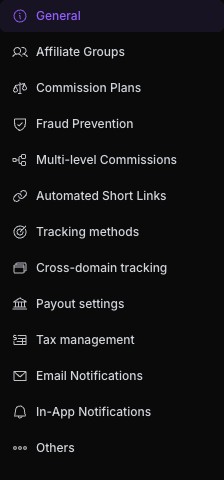
Program settings navigation
Open Settings, then Program Details. This menu separates commission plans, tracking methods, payout settings and notifications. Select the area matching your task; do not change commercial settings while troubleshooting access.
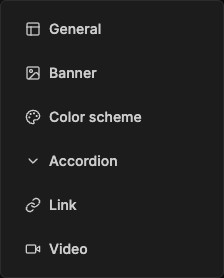
Marketing asset formats
Engage → Marketing Assets → Add Asset opens these formats. Opening an editor can create an unsaved preview. Save only when the asset is ready, or discard the preview.
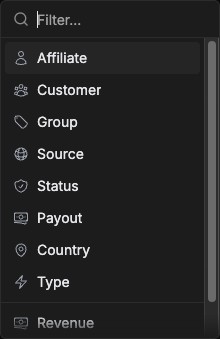
Reward investigation filters
Manage → Rewards → Filter opens these dimensions. Start with the relevant status or source, then narrow the investigation. Filtering changes the view; it does not approve or pay a reward.